
Hey guys, are you looking for the best free text to speech converter tools? If yes, then keep reading this article.
With advanced technology, many text-to-speech converter tools are emerging alongside AI tools such as Perplexity AI. Text-to-speech tools are apps that turn written and digital content into spoken words.
They help people with visual impairments or learning disabilities like dyslexia. These tools are also helpful for those who are learning new languages.
Text-to-speech tools let people read documents on computers, much like website chatbot tools can make digital interactions more accessible. They make reading easier for both work and personal use.
Also, narration with a human voice makes audiences emotionally connected to textual content, especially when combined with image to video tools to create engaging visual content. Besides this, text-to-speech tools have several other uses, too. They are best for both professional and personal use.
List of The Best Free Text To Speech Converter Tools:
1. NaturalReader
2. Text-To-Speech Tool
3. TextToSpeech.io
4. iSpeech
5. FREETTS
Best Text-to-Speech Tools Comparison
| Tool | Best For | Voice Quality | Languages / Voices | Free Option | Audio Download | Key Features |
|---|---|---|---|---|---|---|
| NaturalReader | Reading documents, PDFs and accessibility | Very good, natural-sounding AI voices | 90+ languages on some commercial plans | Yes | Yes | PDF reading, OCR, webpage reading, MP3 conversion, voice cloning and AI features |
| Text-To-Speech Tool | Quick and simple text-to-speech conversion | Good | Depends on the tool/service | Usually | Usually | Simple interface, text-to-voice conversion and basic voice controls |
| TextToSpeech.io | Free online reading and MP3 conversion | Good and natural | Many languages, including Hindi | Yes | Yes | Text to MP3, PDF Speaker, Image Speaker, webpage reader, speed and pitch controls |
| iSpeech | Developers, apps and API-based projects | Good | Multiple languages and voices | Yes, with limitations | Available depending on usage | TTS API, speech recognition, SDKs, web and mobile integration |
| FreeTTS | Free voiceovers, videos and everyday TTS | Very good | 400+ AI voices and 75+ languages | Yes | Yes | AI voices, MP3 downloads, voice styles, SRT subtitles and commercial-use options on paid plans |
1. NaturalReader
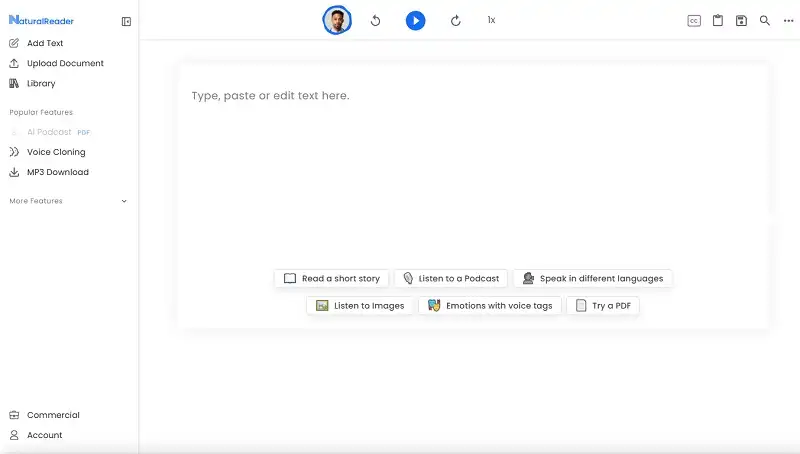
We are opening our list with NaturalReader. It’s a useful free text-to-speech tool for converting written content into speech. It delivers quick and reliable text-to-speech conversion.
NaturalReader also lets users switch between regular and dyslexia-friendly fonts. You can also change the text size.
Furthermore, you can use unlimited voices in any one language for free. NaturalReader supports many formats such as PDF, .txt, .doc, .docx, .epub, .ods, .odt, .ppt, .pptx, PNG, JPEG, and other formats, while image optimization can also help improve the quality and usability of image-based content.
Premium plan of NaturalReader lets you access more natural voices, including Swedish. In NaturalReader, both playback and downloadable MP3s are available.
2. Text-To-Speech Tool
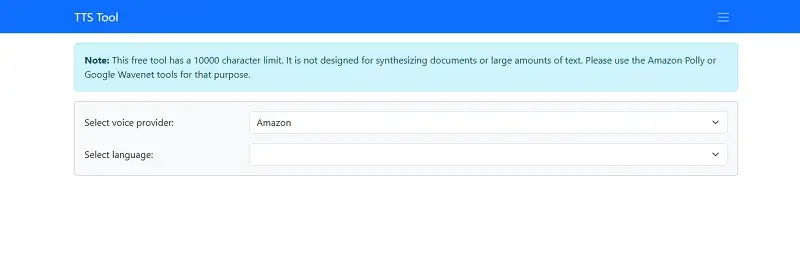
Text-To-Speech Tool is another free text to speech converter tool. I personally like this tool due to its simple, feature-packed interface.
The Text-To-Speech Tool uses voices from trusted providers like Amazon and Microsoft. This ensures it delivers high-quality MP3 output.
Furthermore, this powerful tool supports 18+ languages. However, all the languages have varying numbers of free voices. For instance, you get 16 voices from Amazon and 12 from Microsoft in the English language.
The Text-To-Speech Tool lets you change the volume, rate, and pitch of the voice. You can also download MP3s.
3. TextToSpeech.io
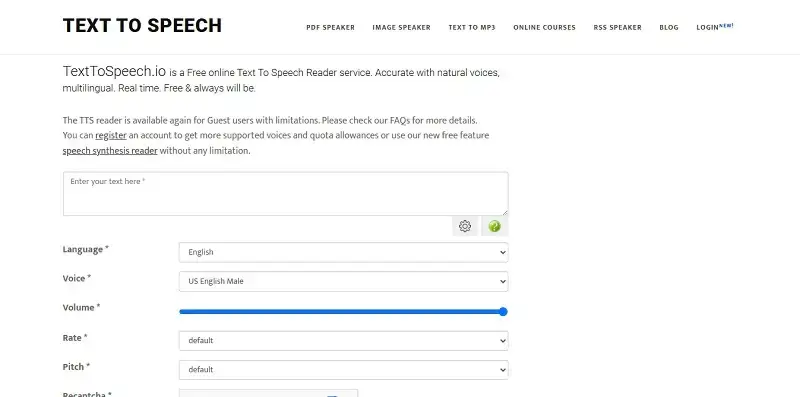
TextToSpeech.io is another great free text-to-speech converter, like the one mentioned above. It has lots of features identical to the Text-to-Speech Tool.
Furthermore, TextToSpeech.io can speak more than 40 languages with different voices. In TextToSpeech.io, you get playback options such as volume, speed, and pitch change.
Besides this, you can convert your text into speech up to 300 characters at a time only.
To use this tool, copy and paste or type your text in the box. Then, choose the voice, volume, speed, and pitch. Complete the reCAPTCHA, and your speech file will be ready to listen to.
4. iSpeech
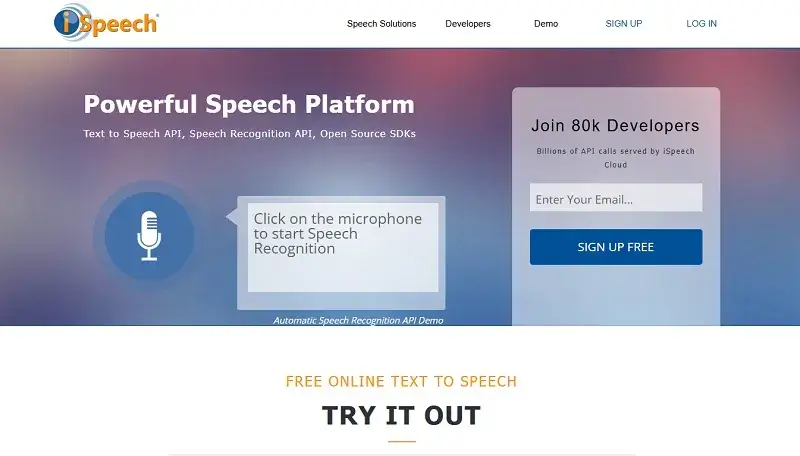
The text to speech converter tool that lands on our list is iSpeech. iSpeech offers over 20 languages in both male and female voice versions free of cost.
Its interface is simple to use and provides lots of functionality. In iSpeech, the voices sound pompous and robotic. This is common in free TTS tools.
To use iSpeech, type your text in the box. Then, select a language and choose a voice—male or female. Adjust the audio speed, and finally, hit the play button.
Also, you can download your converted MP3 file and use it for audio content such as podcasts, similar to workflows supported by Spotify for Podcasters.
5. FREETTS
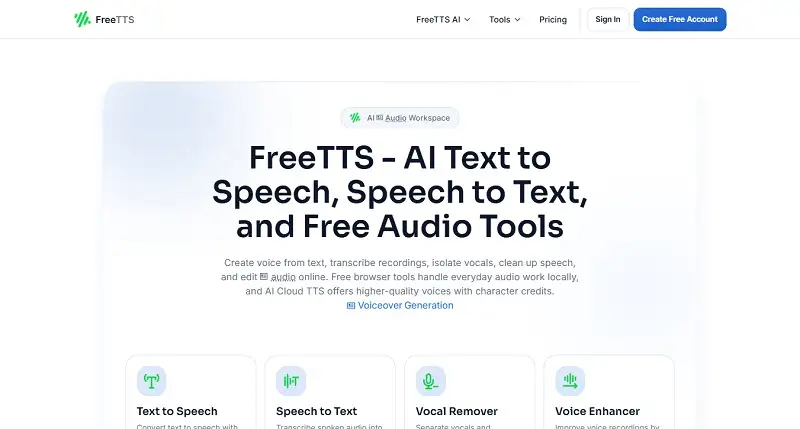
Free TTS is another great tool for text-to-speech conversion. With Free TTS, you can convert up to 5,000 characters at a time into speech MP3s.
This powerful free TTS tool also offers over 25 languages. But most have only 1 to 4 voices each.
In Free TTS, the voice quality is better than most free tools. You can also choose from 13 different English voices.
The only downside of this tool is that the free version limits you to 6,000 characters per week. If you want more characters, you have to buy its paid plan.
Otherwise, it is a great free text-to-speech converter tool.
Frequently Asked Questions
1. What is the best free text-to-speech converter?
Choosing the best free text-to-speech converter depends on your needs. Consider voice quality, language support, and whether you can download audio. It should offer great AI voices, simple controls, and fast conversion. Plus, it has even more features. Online text-to-speech converters can easily turn text into audio.
2. Can I convert text to speech online for free?
Yes, there are several ways to convert the best text to speech free without paying a single cent. All you need to do is type or copy your text and begin the conversion. Many free text-to-speech converters work in browsers, making them useful when you need to translate a video into English and create accessible audio content. This lets you read articles and make voiceovers, among other tasks.
3. Which free text-to-speech tool has the most natural-sounding voices?
The best online text-to-speech tools use AI voices to create natural speech. However, the level of naturalness may depend on the voice itself and the language used. Look for a converter that provides natural pronunciation. It should include pauses, clear speech, and different voice options.
4. Can I download text-to-speech audio as an MP3 for free?
Yes, some free text-to-speech converters let users download the voice as an MP3 file. While some sites may provide the facility to download an MP3 file, others may not do so. Make sure the MP3 file downloading feature is part of your free version.
5. Which free text-to-speech converter supports the most languages?
The number of languages supported will vary from one text-to-speech software to another. Some text-to-speech AI converters now support many languages and regional dialects. It is important to see what languages the software has support for before deciding on which one to use.
6. What is the best free text-to-speech converter for long text?
For long texts, choose a text-to-speech service with a higher character limit. Look for one that can generate larger files and process reliably. Some services limit text length or characters per minute. Check the text limit of the platform if you often convert books, articles, or other documents.
7. Can I use free text-to-speech voices for YouTube videos?
You can use free text-to-speech voices for your YouTube video. You can also combine the generated voice with video editing tools when creating and refining YouTube videos. However, it depends on the tool and voice you choose. Always check the platform’s terms before posting any videos. Some services allow commercial use, while others only permit non-commercial projects.
8. Can I use AI-generated text-to-speech audio commercially?
AI-generated text-to-speech audio can sometimes be used commercially. Similar AI-powered audio applications, such as AI song maker tools, may also have their own licensing and commercial-use conditions. This depends on the service’s conditions. The conditions for free services will differ from those for paid services. Check the generator tool’s terms before using the audio for commercial projects.
9. How do I convert text to speech online?
To convert text to speech online, use a text-to-speech generator. This can also complement voice search for content marketing by making content more accessible through spoken interactions. Copy or type your text into the box. Choose the language and voice that you want, and click on the “Generate” or “Convert” button. We will process your audio, and you will be able to hear and download it if necessary.
10. Can text-to-speech tools read PDF and Word documents?
Some text-to-speech software can read PDFs and Word documents. Others require you to copy the text into the software. Some platforms support various document formats. This lets you listen to reports and other reading materials without typing them out.
11. Are free text-to-speech tools safe to use with private documents?
Be careful when uploading personal documents to free online text-to-speech converters. You can read the privacy policy of the service before uploading any sensitive document to it. For sensitive files, it’s best to use software that converts documents locally. This way, you don’t have to upload them to a server.
12. What is the difference between free and paid text-to-speech tools?
Free text-to-speech software may have some features, but not all. It can offer a natural voice, support various languages, enable extra downloads, and handle more characters. Plus, it has many other features. Choose a free or paid tool based on how often you need text-to-speech and the quality required for your task.
Conclusion:
Some of you might know that the best commercial text-to-speech tools online aren’t fully free. However, it is not always essential for you to pay for AI-generated voices. You can try the above-mentioned tools.
Some free text-to-speech tools provide natural AI voices, while artificial intelligence graphic design is another area where AI is helping creators produce and enhance digital content. They also support various languages.