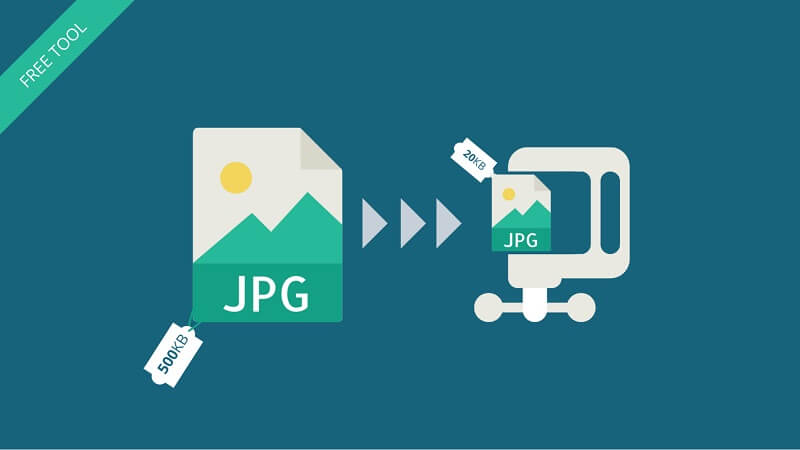
When you’re preparing images for a website, blog, online store, or social media, file size matters. A heavy image slows everything down. A good compressor keeps your images sharp while cutting down the weight. Below are five of the best image compression tools available today, tested for speed, quality, and everyday usability.
1. TinyPNG

TinyPNG is one of the most popular compressors on the internet, and for good reason. It works well, it’s simple, and it reduces file size without making images look blurry or faded.
Why It’s Good
- Smart compression that keeps the image sharp
- Clean interface
- Works well for both PNG and JPG
- Supports batch uploads
Where It Falls Short
- Free version has limits
- No WebP conversion unless you upgrade
- Compression speed slows during heavy traffic
TinyPNG is a great choice for quick, reliable compression, especially if you only work with a few files at a time.
2. Noustra Image Compressor
Noustra’s Image Compressor is a strong option if you want fast results and SEO-friendly images without paying anything. It’s entirely free, works quickly, and keeps the original clarity intact.
Why It’s Good
- Free with no signups
- Compresses images fast
- Keeps visual quality very close to the original
- Outputs PNG, JPG, and WebP
- Lets you adjust the image quality
- Allows uploading many images at one time
- Backed by Noustra, so it feels trusted and safe
Where It Falls Short
- Sometimes an image doesn’t upload on the first try
- Mobile support isn’t stable
- PNG compression occasionally doesn’t reduce size
If you work on a laptop or PC and want good-quality compression at no cost, Noustra is one of the best tools you can use.
3. CompressJPEG / CompressPNG

This tool set is part of a larger family of simple online utilities. The site is lightweight and focuses on quick results.
Why It’s Good
- Very easy to use
- Handles multiple files at once
- Offers separate pages for JPG, PNG, PDF, and more
- Good choice for beginners
Where It Falls Short
- Interface is filled with ads
- Fewer advanced settings
- Results are sometimes inconsistent
If you want a simple drag-and-drop experience without adjusting settings, this tool gets the job done.
4. Squoosh by Google
Squoosh is a more advanced browser-based compressor that gives you detailed control over your files. It’s great for developers and people who want to fine-tune their images.
Why It’s Good
- Runs directly in your browser
- Offers many formats: WebP, AVIF, JPG, PNG, and more
- Side-by-side comparison view
- Manual control over quality, colors, and size
Where It Falls Short
- Not ideal for beginners
- Only works with one image at a time
- Can feel overwhelming if you just want a quick compression
If you want full control over compression settings and formats, Squoosh is a powerful option.
5. ImageOptim
ImageOptim is a desktop-based tool mainly used by developers, designers, and Mac users who want consistent compression without relying on websites, while still adhering to essential design principles that balance image quality and performance.
Why It’s Good
- Very reliable compression
- Works offline
- Excellent for large batches
- Popular among professionals
Where It Falls Short
- Only available for macOS
- Interface feels basic
- No online version for quick use
If you’re a Mac user handling many images at once, this tool is fast, stable, and trusted.
Final Thoughts
Each tool on this list serves a slightly different purpose:
- TinyPNG is ideal for quick, everyday compression.
- Noustra Image Compressor is the strongest free option with WebP support and batch uploads.
- CompressJPEG/PNG is simple and beginner-friendly.
- Squoosh gives you deep control and advanced formats.
- ImageOptim is great for professionals working offline on Mac.
If your priority is speed, clarity, and zero cost, Noustra easily stands out as one of the top choices.
Related Blog Post



Popular Blog Post


Featured Products