
WooCommerce Shipping Plugins can make or break your WooCommerce business. Getting it right is key. It impacts everything. This includes calculating rates, printing labels, tracking deliveries, and managing returns. This is vital for customer satisfaction and smooth operations.
The right WooCommerce shipping plugin can automate these tasks. This saves time and reduces errors with complete WooCommerce shipping automation. Businesses can use tools like Matlablegend to boost their digital workflows and online tasks.
In this guide, we’ll explore how important is it to establish your brand while reviewing the best WooCommerce shipping plugins in 2026 that help you streamline fulfillment, offer real-time carrier rates, and create a seamless post-purchase experience for your customers. No matter if you have a small online shop or a big eCommerce brand, these tools make shipping easy from checkout to delivery. Understanding the areas of web development knowledge marketers require can also help teams improve their online store experience and manage digital strategies more effectively.
Why You Need a Shipping Plugin for Your WooCommerce Store
Shipping is one of the most crucial yet time-consuming parts of running an online store. Managing tasks like calculating rates, printing labels, and updating tracking can get overwhelming. This is especially true as your order volume increases. That’s where a WooCommerce shipping plugin steps in to make things easier.
A reliable shipping plugin automates the entire fulfillment process, ensuring accurate shipping rates, faster label generation, and real-time tracking updates for your customers. It not only saves time but also eliminates costly human errors that often occur in manual shipping.
You can improve your checkout experience with the right plugin. It lets you offer many carrier options, like FedEx, UPS, USPS, and DHL. You can also set custom shipping rules, all from your WooCommerce dashboard. It turns shipping from a hassle into a smooth, automated process. More businesses are using digital solutions. Platforms like CrushOn AI show how AI is now part of our online lives.
Top WooCommerce Shipping Plugins for 2026
1. WooCommerce Shipping Services
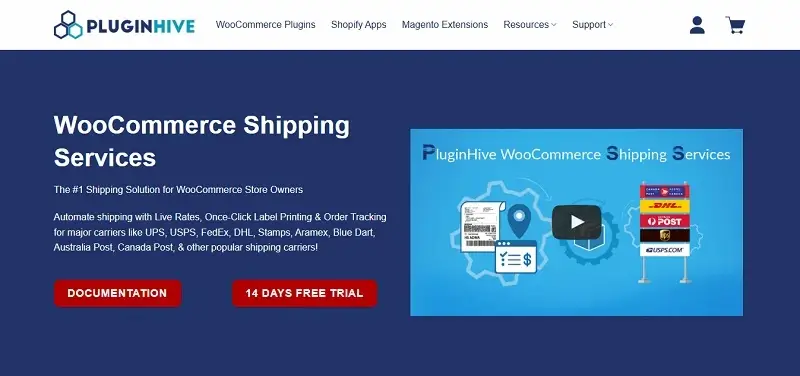
WooCommerce Shipping Services is a complete shipping automation plugin that brings real-time rates, one-click label printing, and live tracking updates right inside your WooCommerce dashboard.
It works well with big carriers like UPS, USPS, FedEx, DHL, Aramex, Blue Dart, Australia Post, and Canada Post. This helps you deliver orders faster and more efficiently. This plugin guarantees smooth, error-free fulfillment for both single and bulk shipments.
Key Features:
- Display real-time rates from top carriers
- One-click label printing and pickup scheduling
- Automated shipment tracking and customer notifications
Pricing: Starts at $9/month with flexible monthly and yearly plans.
2. WooCommerce Shipping Plugin for FedEx with Print Label
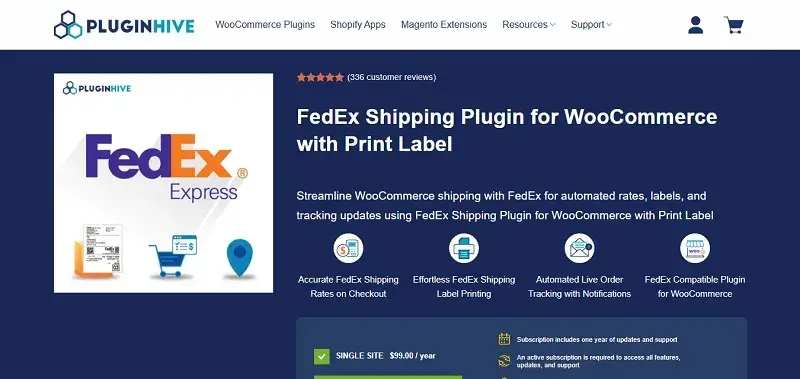
WooCommerce Shipping Plugin for FedEx with Print Label is a FedEx-certified plugin that automates your entire FedEx shipping process within WooCommerce, from displaying accurate rates at checkout to printing shipping and return labels.
It supports FedEx SmartPost, LTL Freight, and hazardous goods shipping. This makes it great for stores with different shipping needs. FedEx shipments are easier with built-in address validation, delivery estimates, and insurance support. This removes the guesswork.
Key Features:
- Real-time FedEx rates based on weight and destination
- Automatic label and return label generation
- Live tracking notifications for customers
Pricing: $99/year for a single-site license with premium support and updates.
3. WooCommerce UPS Shipping Plugin with Print Label
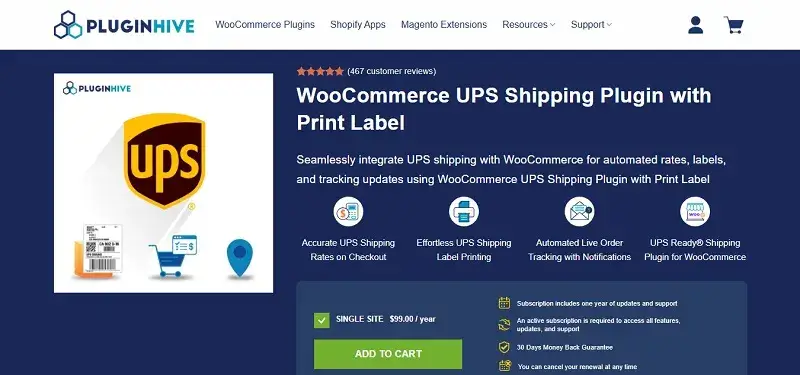
WooCommerce UPS Shipping Plugin with Print Label is a UPS Ready® certified solution that simplifies shipping by displaying accurate UPS rates at checkout, automating label creation, and sending tracking updates automatically, all from within WooCommerce.
It supports UPS SurePost, Simple Rate, and Access Point. You can also use bulk label printing, schedule pickups, and manage returns. It works well with WooCommerce Bookings. It’s great for stores that ship both domestically and internationally.
Key Features:
- Real-time UPS rates at checkout
- Bulk label generation and pickup scheduling
- Live order tracking and automatic notifications
Pricing: $99/year with updates, premium support, and a 30-day money-back guarantee.
4. WooCommerce Shipping by Woo
WooCommerce Shipping by Woo is a free, built-in solution. It lets you print USPS, UPS, and DHL labels right from your WooCommerce dashboard.
It’s great for small to medium stores. They can easily manage fulfillment. They also get discounted carrier rates and handle all shipments in one place. Plus, all shipments through WooCommerce Shipping are 100% carbon neutral, supporting sustainable eCommerce.
Key Features:
- Print USPS, UPS, and DHL labels instantly
- Access exclusive discounted rates
- Manage and track shipments directly in WooCommerce
Pricing: Free, pay only for labels.
5. PH Australia Post MyPost Business Shipping for WooCommerce
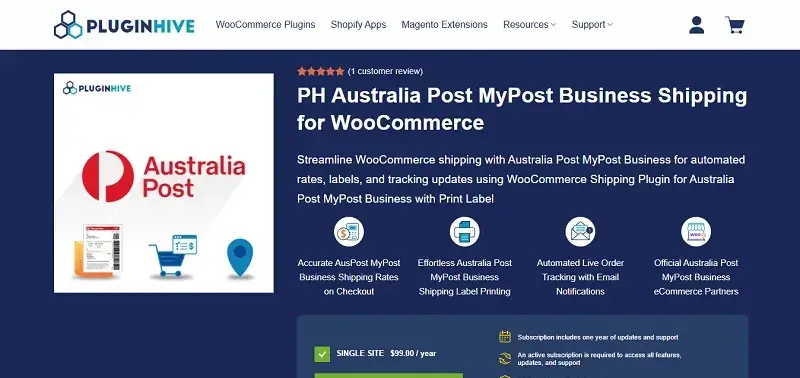
PH Australia Post MyPost Business Shipping for WooCommerce is a complete Australia Post–approved plugin that automates every step of your shipping process. It displays accurate MyPost Business rates, generates labels instantly, and automatically sends tracking updates to your customers.
You can manage bulk label printing. You can also schedule pickups and apply custom handling fees or discounts. It works with Flat Rate Boxes and Satchels. This makes it ideal for WooCommerce sellers in Australia.
Key Features:
- Real-time MyPost Business rates at checkout
- Bulk label printing and automated tracking
- Support for parcel packing and flat-rate boxes
Pricing: $99/year for a single-site license with premium support.
6. Multi-Carrier Shipping Plugin for WooCommerce
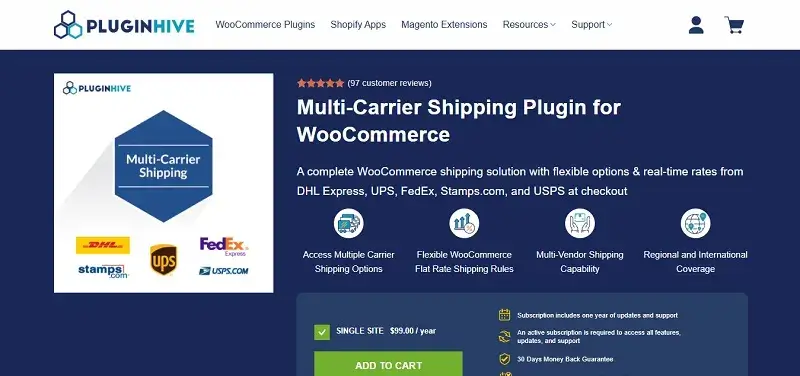
Multi-Carrier Shipping Plugin for WooCommerce is an all-in-one shipping solution that brings together multiple carriers like FedEx, UPS, USPS, DHL Express, and Stamps.com. This plugin gives you complete flexibility over your shipping setup.
It’s ideal for stores that ship globally or operate from many warehouses. Rule-based shipping, multi-vendor support, and multi-currency options make it great for complex fulfillment.
Key Features:
- Fetch real-time rates from major carriers
- Create flexible, rule-based shipping setups
- Compatible with multi-vendor and multi-currency stores
Pricing: $99/year with updates and premium support.
7. Advanced Flat Rate Shipping Plugin for WooCommerce
This plugin is great for stores that like flat-rate models. It helps you set up advanced rules for shipping charges. You can apply fees per item, per order, or based on the order value.
The rule engine lets you set conditions based on region, product type, or user role. This gives you full control over your WooCommerce flat-rate shipping strategy.
Key Features:
- Advanced, rule-based flat-rate setups
- Unlimited shipping zones and scenarios
- Time-based, promotional, or free shipping options
Pricing: Starts at $159/year with premium support and a 14-day money-back guarantee.
8. ELEX EasyPost WooCommerce Shipping Plugin
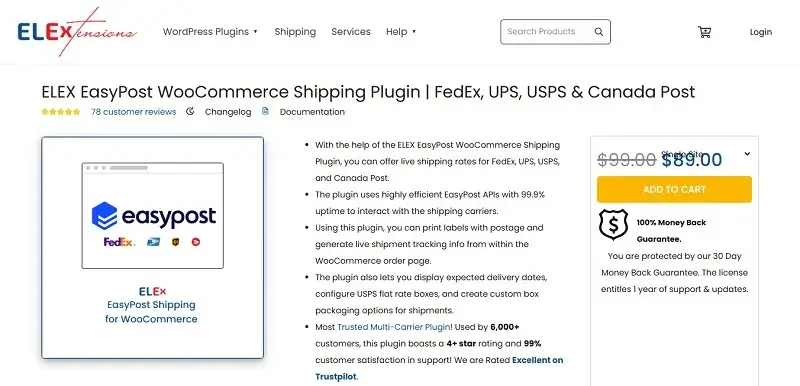
The ELEX EasyPost WooCommerce Shipping Plugin is a powerful multi-carrier solution that connects your store to FedEx, UPS, USPS, and Canada Post using the reliable EasyPost API. It automates real-time rate calculation, label generation, and shipment tracking directly from the WooCommerce orders page.
It offers advanced options like delivery estimates, insurance, and custom packaging. This ensures a reliable and automated shipping experience.
Key Features:
- Real-time rates via EasyPost API (99.9% uptime)
- Label printing, tracking, and delivery estimates
- Pickup scheduling and insurance options
Pricing: Starts at $89/year with one year of updates and support.
9. PH Table Rate Shipping Pro for WooCommerce
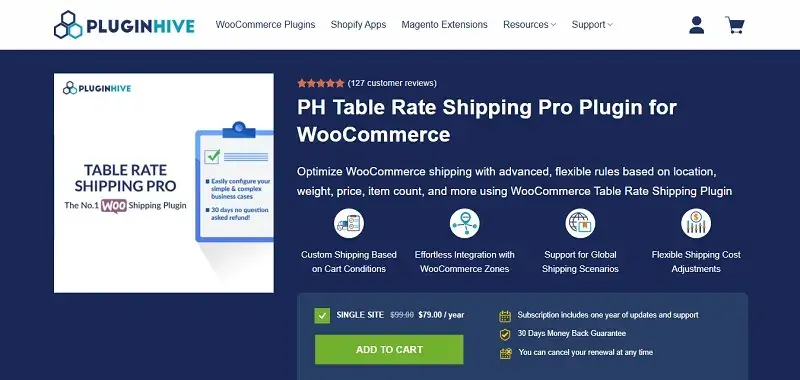
PH Table Rate Shipping Pro Plugin for WooCommerce gives you full control over how shipping costs are calculated. Create unlimited rules based on weight, quantity, destination, or category, helping you offer competitive and flexible rates.
It supports WooCommerce zones, classes, and categories. This makes managing complex shipping structures across different regions easy.
Key Features:
- Set unlimited custom rules for rates and conditions
- Use ZIP code wildcards and category-based pricing
- Combine flat-rate and free shipping for flexibility
Pricing: $99/year with support and a 30-day money-back guarantee.
10. Shippo
Shippo integrates WooCommerce with 40+ global carriers, including USPS, UPS, FedEx, and DHL. It makes label creation, returns, and tracking easier. You also get discounted shipping rates and bulk options, all from one dashboard.
Shippo is trusted by over 300,000 businesses. It’s great for merchants needing scalability, carrier discounts, and easy logistics automation.
Key Features:
- Access discounted rates from 40+ carriers
- Automatic order syncing and real-time tracking
- Scalable API for advanced logistics automation
Pricing: Starts at $10/month with pay-as-you-go options.
11. Pickup Points PRO for WooCommerce
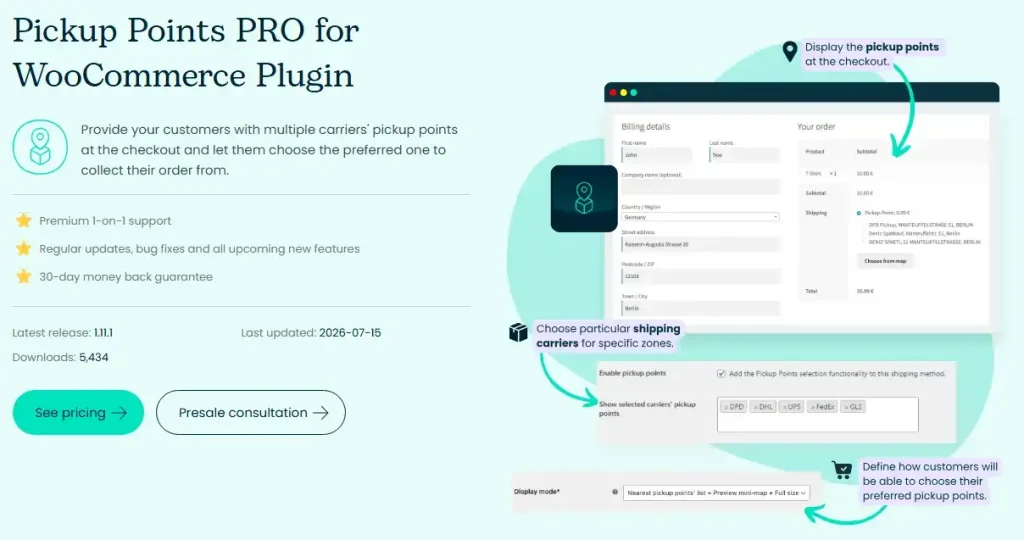
Pickup Points PRO for WooCommerce lets you add pickup point, parcel locker, and PUDO delivery to your checkout without signing up for separate carrier accounts. It connects your store to 54 global carrier networks, including DHL, DPD, UPS, FedEx, GLS, InPost, and Packeta, right out of the box.
It works with WooCommerce’s built-in shipping methods as well as most third-party shipping plugins, so you can add pickup point delivery to your existing setup without rebuilding it. The plugin refreshes pickup locations directly from carrier APIs several times a day, and customers can browse locations in a list or on an interactive map at checkout.
Key Features:
- No separate courier accounts or contracts needed
- Interactive map and list-based pickup point selector
- Works with 54 carriers, including DHL, DPD, UPS, FedEx, and GLS
Pricing: $49/year for a single-site license, with a 30-day money-back guarantee.
Frequently Asked Questions:
1. What is the best WooCommerce shipping plugin in 2026?
The best WooCommerce shipping plugin for 2026 depends on several factors. This includes your business needs, the shipping services you use, and how many orders you have. Some of the plugins available include PluginHive, WooCommerce Shipping, ShipStation, and Flexible Shipping. Choose a plugin that provides live shipping rates and other features.
2. Do I need a shipping plugin for WooCommerce?
To automate your shipping and cut out manual tasks, use a WooCommerce shipping plugin. It can calculate shipping fees, print labels, and provide tracking numbers for shipments.
3. What features should I look for in a WooCommerce shipping plugin?
Here are some key features to look for in a shipping plugin:
- Live shipping rate calculator
- Shipping label printer
- Shipment tracking system
- Support for many carriers
- Automation of shipping rules
- International shipping options
- Automatic return label generation
These tools can help streamline your shipping process.
Compatibility with WooCommerce updates and good customer support are also key considerations. Choosing the right digital tools, such as Titfees, helps businesses operate efficiently and manage tasks effectively.
4. Which WooCommerce shipping plugin is best for small businesses?
Small firms can enjoy shipping plugins. These tools are cheap, easy to use, and help businesses grow. Plugins like WooCommerce Shipping, Flexible Shipping, and PluginHive offer easy features. You don’t need to install them with complicated steps. They simplify shipping for small businesses. It’s easier, cheaper, and more efficient for handling customer orders.
5. Which WooCommerce shipping plugin is best for international shipping?
For international shipments, the suggested plugin lets you choose from many global carriers. These include DHL, UPS, FedEx, and USPS. It can automatically calculate international shipping costs, manage customs forms, and track shipments. It also offers other useful features.
6. Can WooCommerce shipping plugins automatically calculate shipping rates?
Yes, most shipping plugins for WooCommerce automatically calculate shipping costs. They consider factors like weight, size, location, shipping method, and carrier rates. This ensures accurate shipping costs for clients and cuts down on calculation errors.
7. Can WooCommerce shipping plugins print shipping labels automatically?
Yes, WooCommerce has many shipping plugins. They let users create and print shipping labels directly from the dashboard. This saves time by eliminating manual data entry. It boosts efficiency in processing many orders quickly and helps prevent shipping errors.
8. How do WooCommerce shipping plugins improve customer experience?
A WooCommerce shipping plugin enhances the shopping experience. It offers reliable shipping charges, various shipping methods, shipment tracking, and on-time delivery. Customers feel happy when they know shipping details and receive their orders on time, which plays an important role in effective customer retention strategies.
9. Are free WooCommerce shipping plugins good enough?
Free shipping plugins for WooCommerce are great for small businesses. They offer the basic shipping features that these businesses need. These plugins offer basic features like flat rate shipping and simple carrier integrations. As your business grows, you’ll need better and more advanced plugins. These will help automate and enhance your shipping process.
10. What is the difference between a WooCommerce shipping plugin and a shipping carrier integration?
The WooCommerce Shipping Plugin adds shipping features and automation to your store. Shipping carrier integration links your store to a specific carrier, such as UPS, FedEx, or DHL. Most shipping plugins connect with carriers. This helps companies manage shipping, labels, tracking, and rates, all from one dashboard.
11. Can WooCommerce shipping plugins handle multiple shipping carriers?
Yes, many WooCommerce shipping plugins let you manage many carriers from one dashboard. You can integrate carriers such as FedEx, UPS, DHL, USPS, Australia Post, and many others.
It helps you:
- Calculate shipping prices
- Create labels automatically
- Offer customers more delivery options
12. How do I choose the right WooCommerce shipping plugin for my store?
Choose a WooCommerce shipping plugin based on your business needs. Consider size, delivery locations, carriers, budget, and required features. Businesses that want better control over inventory and operations can also consider ERP solutions like eGerp Panipat to manage processes more efficiently. Consider live shipping quotes, tracking, label generation, automation, and great customer support. Checking customer opinions can help you choose the right plugin.
13. Do WooCommerce shipping plugins support return labels?
Yes, many top WooCommerce shipping extensions let you create return shipping labels. It will simplify the return process for customers. It will also make it easier for store owners to manage. This is important. Customers will trust you more, making them happier with their purchases.
14. Can WooCommerce shipping plugins reduce shipping costs?
WooCommerce shipping plugins can help cut costs. They check carrier rates and choose the cheapest delivery options. They also set automatic packaging rules to reduce manual errors. The plugins will help improve the shipping process. This saves time and effort.
15. What is the best WooCommerce shipping plugin for FedEx, UPS, and DHL?
If you use FedEx, UPS, or DHL for your store, choose a plugin. It should provide live shipping rates. Also, it can create labels automatically. It also offers tracking and helps with international shipping. PluginHive and other advanced shipping plugins are now popular. They easily connect with various carriers, simplifying the shipping process.
16. How do WooCommerce shipping plugins work with WooCommerce checkout?
WooCommerce shipping plugins show customers the right delivery options and costs at checkout. Customers can choose their preferred shipping method before placing an order. The checkout process is clear and reduces abandoned carts.
17. Can WooCommerce shipping plugins automate order fulfilment?
Yes, many WooCommerce shipping plugins automate tasks. They label shipments, assign carriers, update tracking numbers, and notify about shipments. Automation has many benefits. It cuts down manual work. It saves time on orders. Also, it reduces errors and helps businesses manage more orders efficiently.
18. Are WooCommerce shipping plugins compatible with international carriers?
Many top WooCommerce shipping plugins support major international carriers. This makes international shipping easier. They automatically calculate shipping rates. They also create customs forms, generate shipping labels, and assist with tracking.
19. WooCommerce shipping plugin vs built-in WooCommerce shipping: which is better?
WooCommerce’s built-in shipping feature suits businesses with basic shipping needs. A solid WooCommerce shipping plugin offers key features. These include real-time carrier rates, easy shipping label creation, and automation.
20. How can I optimise WooCommerce shipping for faster deliveries?
To speed up delivery, use a solid WooCommerce shipping plugin. It automates shipping and works with trusted carriers. You can always update the inventory. Choose a fulfilment point near your customers. Offer many shipping options. Also, track the process easily.
Final Thoughts
These WooCommerce shipping plugins serve various business needs. They serve everyone, from small shops to large companies, including b2b ecommerce companies that need efficient shipping automation and reliable order fulfillment solutions.
The best shipping plugin does more than print labels. It also automates your WooCommerce fulfillment. This cuts down on manual work and helps every order arrive on time. Businesses wanting custom eCommerce solutions should explore application development. This helps them see how tailored software can improve operations.
As your store grows, efficiency and reliability become key. Using the best import-export plugins for WooCommerce simplifies shipping. They help you manage products, customers, and orders across various stores or platforms.